The Old Way
Spend hours fixing formulas created by AI
Manual sheets slow down client work
More work. Less pay.
Turn a simple short prompt into a ready-to-use Google Sheets business tool, Tracker + Dashboard.
Example: Create an attendance tracker.
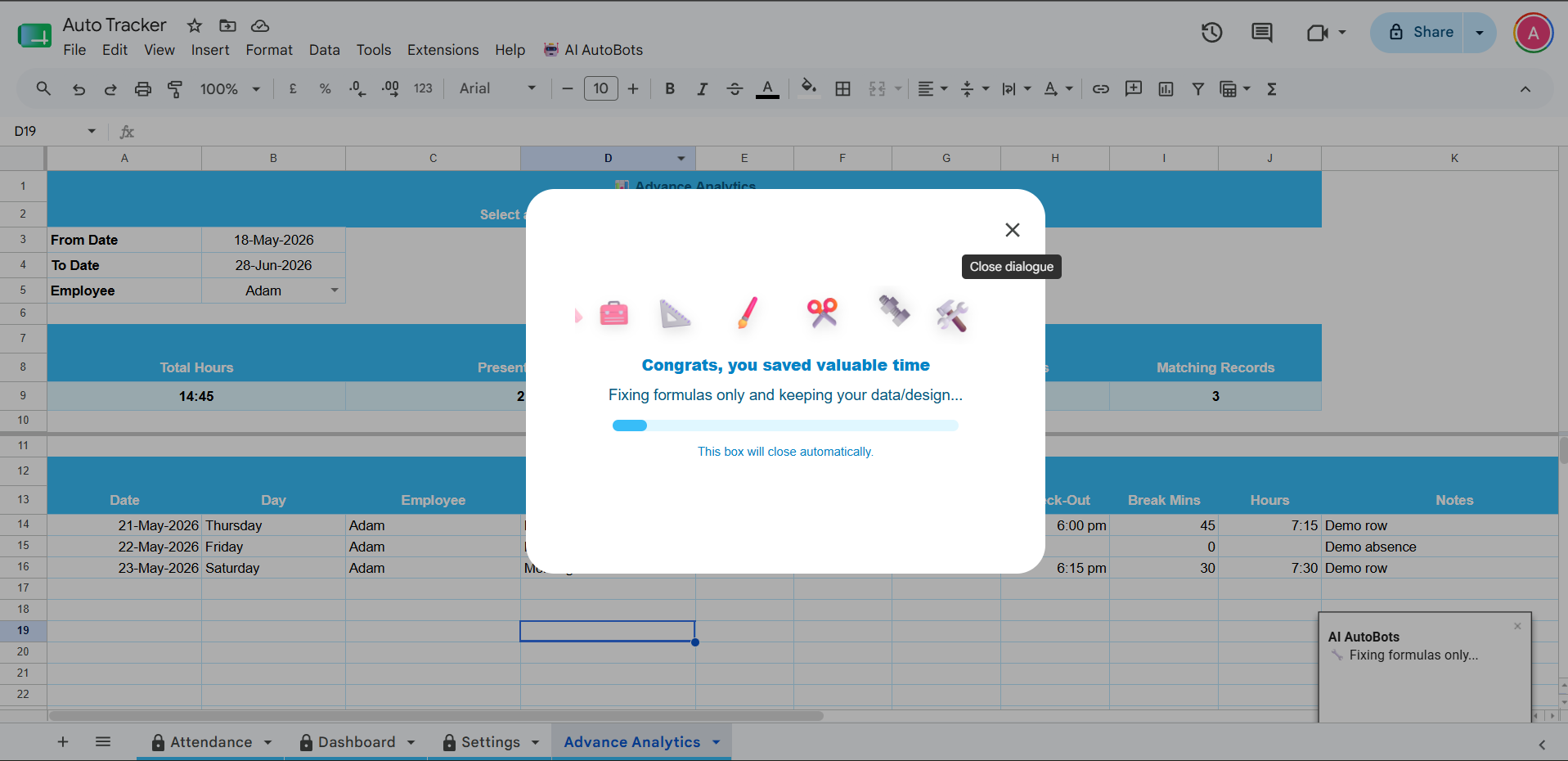
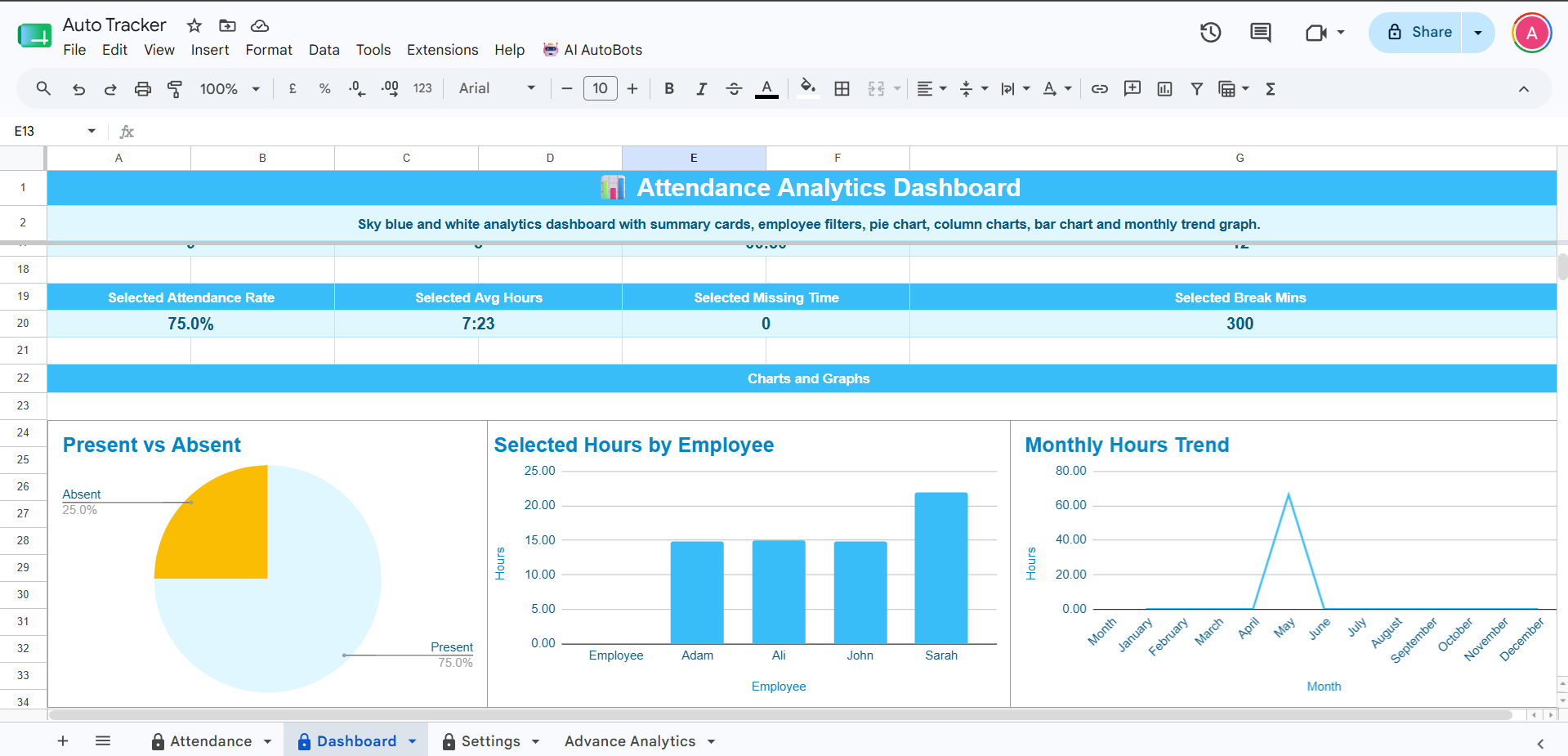
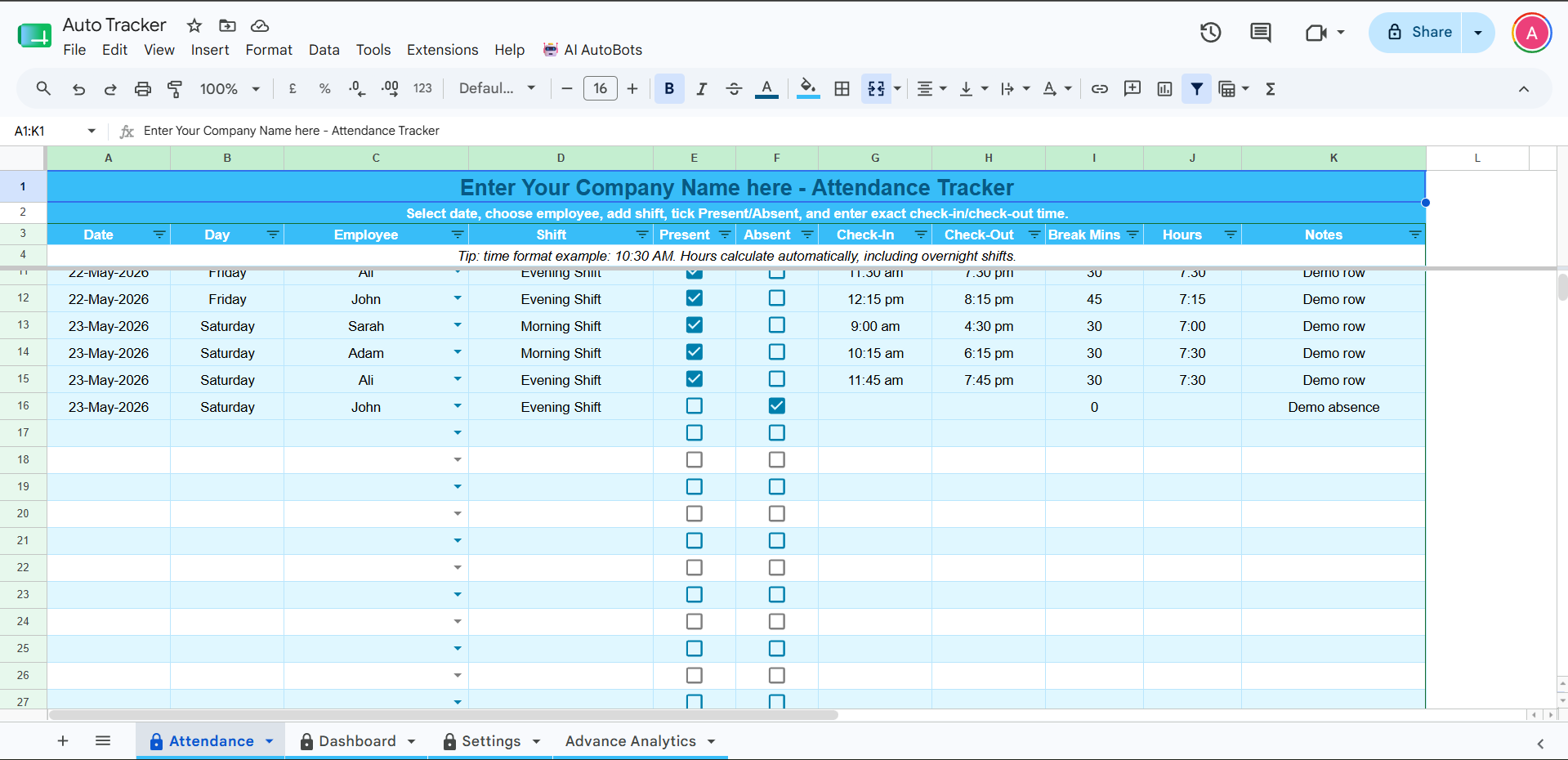
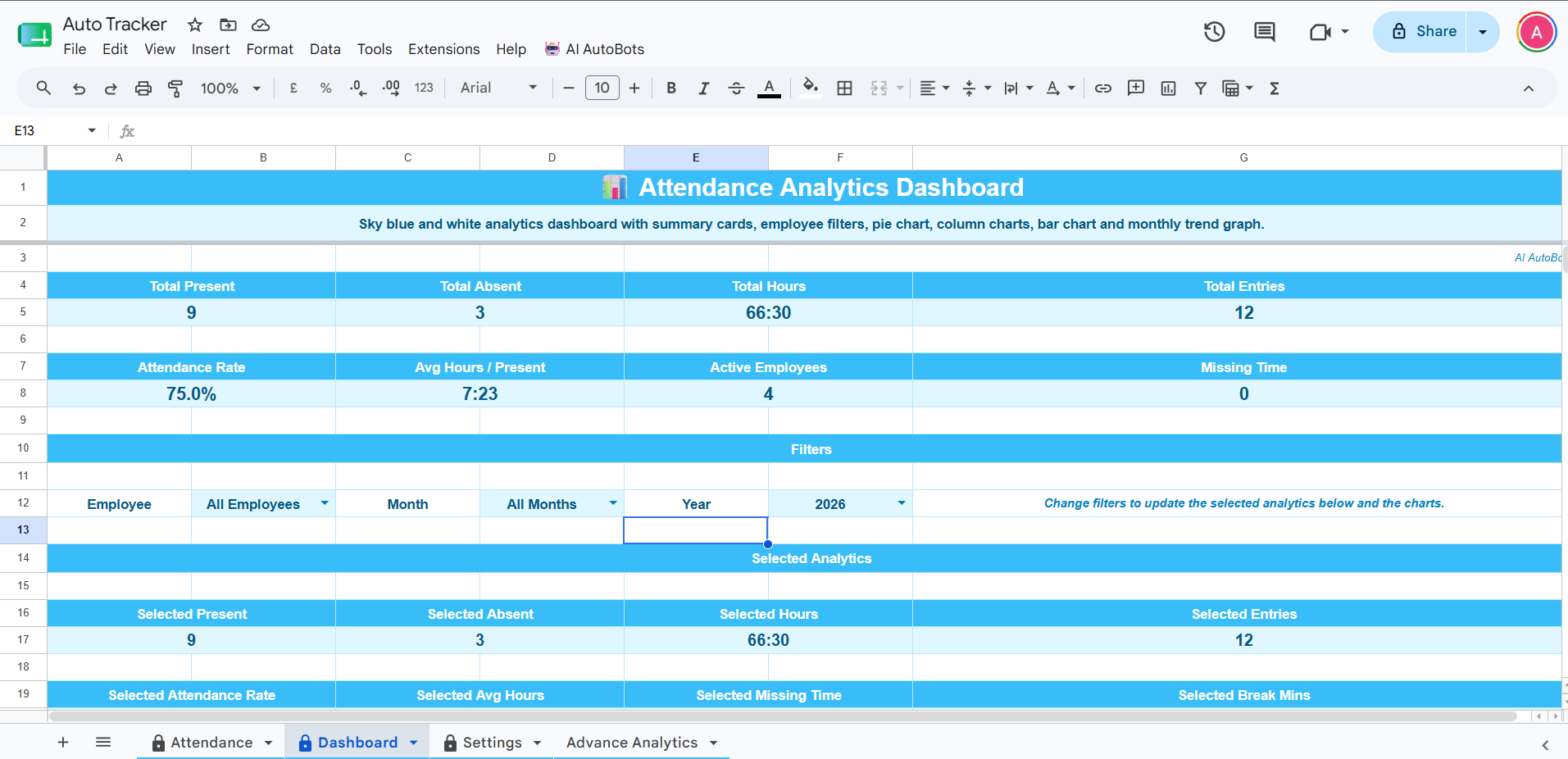
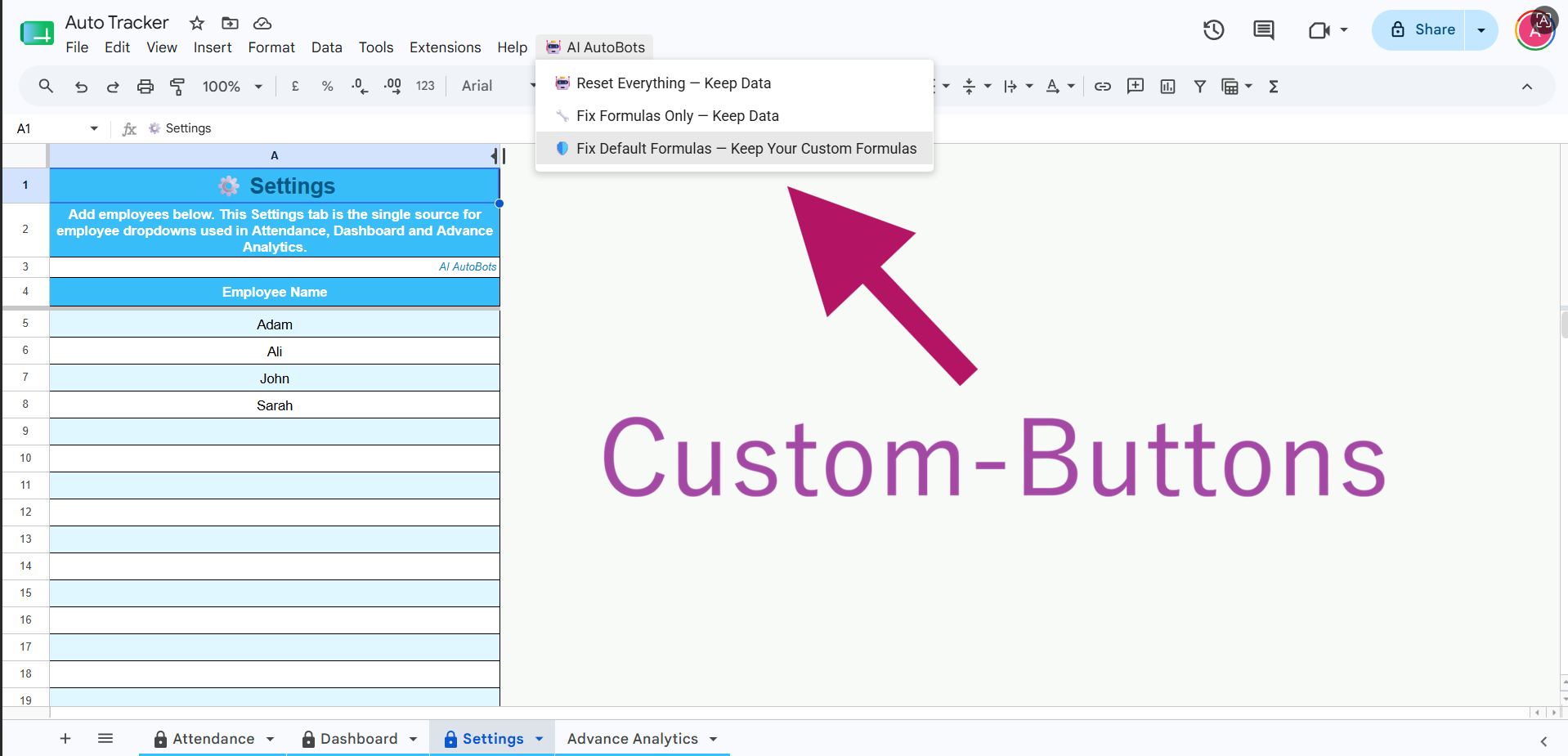
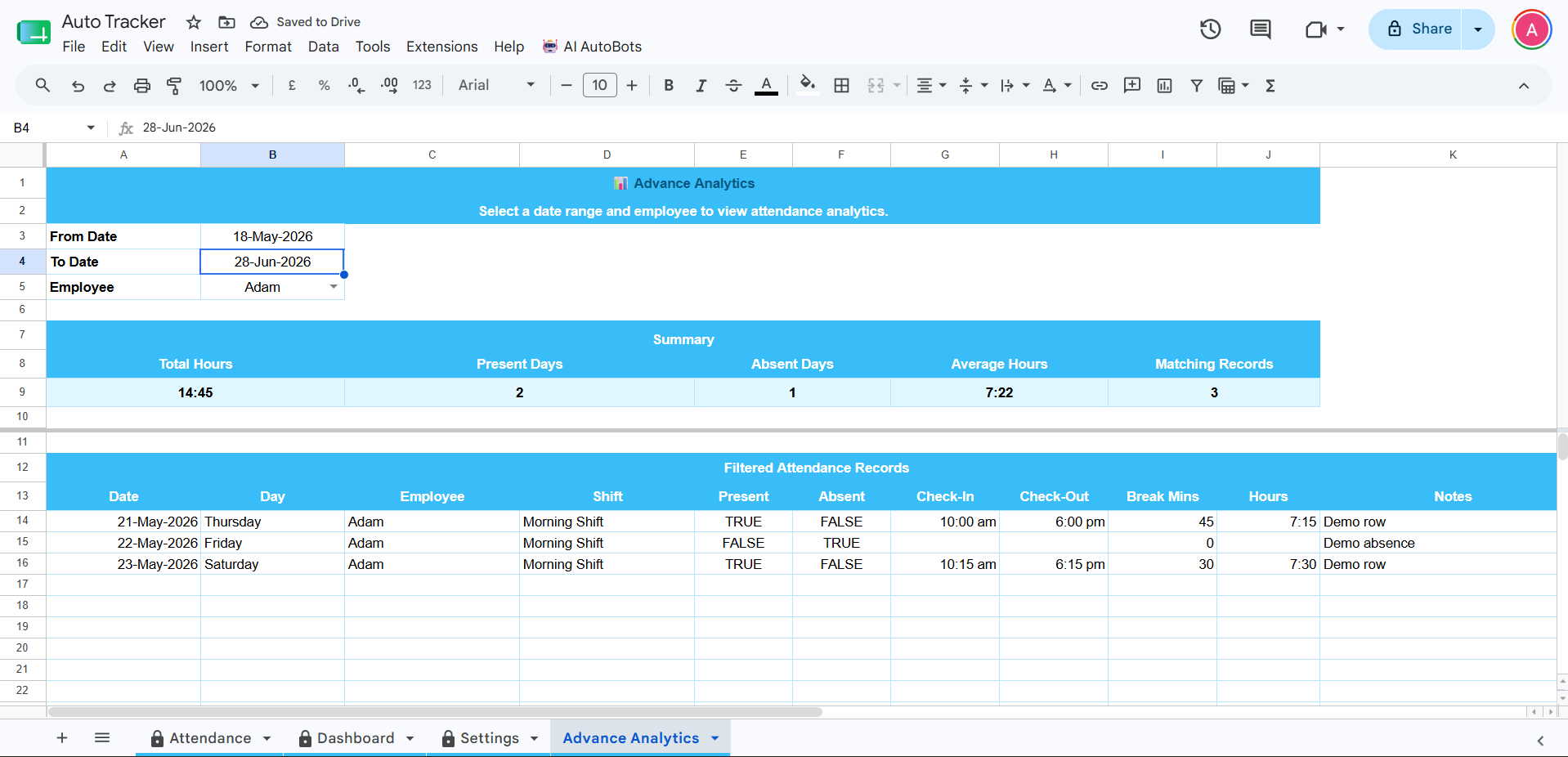
Text2Tool creates your tools for you with a simple prompt and exports them to Google Sheets so you can share with your team.
Preview your idea before buying a Tool Kit.
Best for testing one small Google Sheet tool.
Best for freelancers and VAs doing repeat sheet work.
Best for agencies and repeat admin/reporting work.
“Before, I was stuck building a few trackers manually. Now I can turn client requests into clean Google Sheet tools much faster, take more jobs, and keep moving to the next order.”
“When I apply for spreadsheet jobs, I build a quick demo first and send screenshots with my proposal. Clients notice the fast response and it helps me look more prepared than other freelancers.”
Keep the prompt short, clear, and simple.
Example: Create a profit loss tracker.
Text2Tool helps freelancers, virtual assistants, agencies and small businesses create useful Google Sheets templates without starting from a blank spreadsheet.
Describe the business tool you need and Text2Tool creates a Google Sheets system with relevant tabs, formulas, settings, dashboards and simple instructions.
Use Text2Tool when you need a spreadsheet tool for clients, daily admin, reporting, operations, finance tracking, sales tracking or repeat business workflows.
If it shows errors, that usually means you have not yet added data. Make sure to click File > Make a copy to own it and get full features. Reach out to live chat support if the above does not help. If you are reaching out during off-duty hours, please email ai@text2tool.com and a ticket will be created. Someone will get back to you within 12 hours or less.
Keep it short, clear, and simple. Example: “Create me a profit loss tracker for my Shopify business.”
No. Text2Tool is designed to create the best structure from simple prompts. You can add details only when they are truly important.
Your tool is exported to Google Sheets and sent to you via email in 5–7 minutes. Make sure to click File > Make a copy before using it so you get ownership.
Yes. Click File → Make a copy to save the tool inside your own Google Drive and use it under your own Google account.
Yes. First open the delivered Google Sheet, then click File > Make a copy. After the copy is saved in your own Google Drive, you can edit and customize the tool according to your needs.
You can request invoice generators, attendance trackers, inventory trackers, lead trackers, commission calculators, payroll calculators, KPI dashboards, profit and loss trackers, and similar Google Sheet tools.
Tool Kits are used when you are ready to generate the final working Google Sheets tool after previewing the idea.